 COME
COMETrace a COME APK from Its Source to Your Phone
Identify the intended COME service first, then connect the offered package to that source. A matching name, logo or filename cannot answer the whole identity question.
Begin with the product you mean
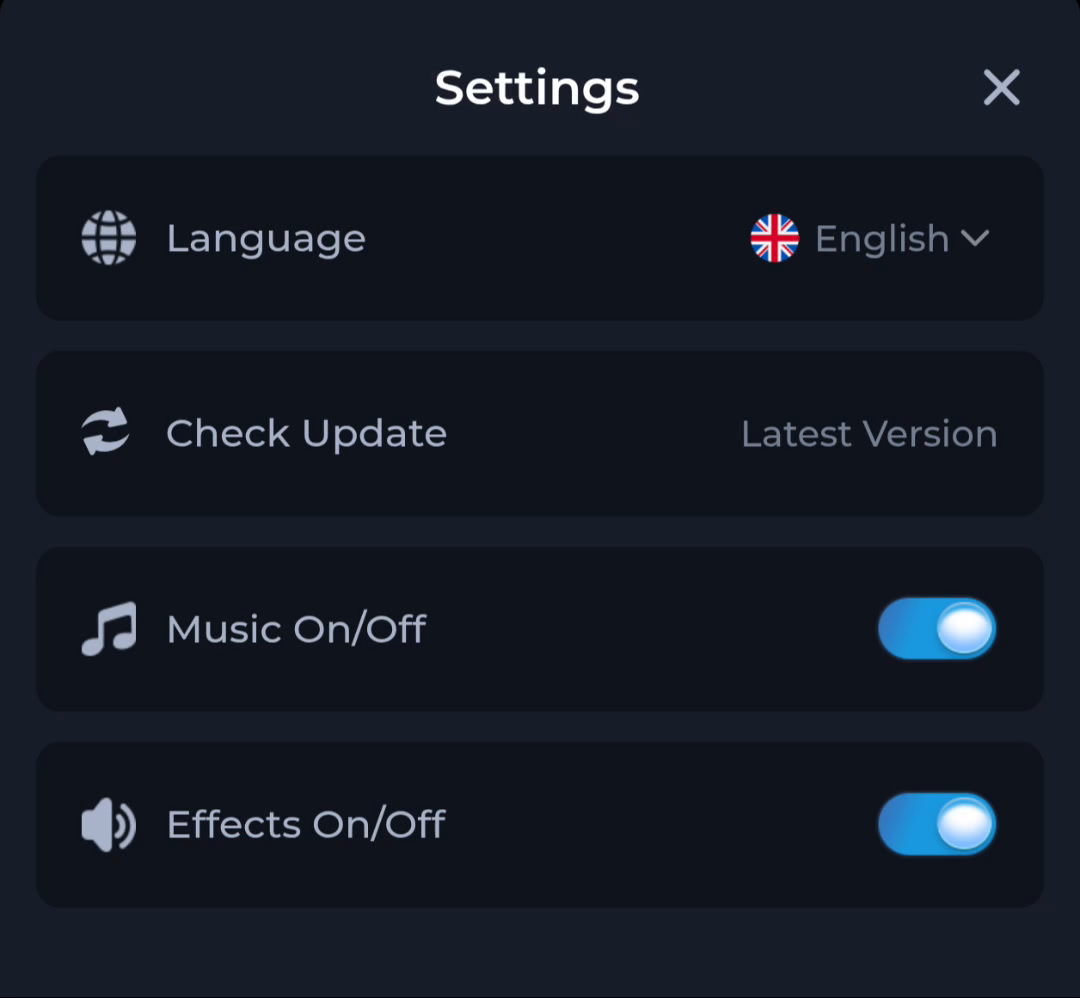
COME search results can contain similar names used for different products. Identify the app by its service and described features, not just the spelling. The product covered here has game browsing, Fantasy and Sports sections, an account menu and Settings with Check Update.
Use the app entry deliberately rather than a package attached to an unrelated message. Record the address you opened and what it offered. If the destination changes to a different product or asks for an unrelated installation, pause before saving or opening a file.
Compare the offer and the completed file
Read the app name, version and requirements at the source. After the browser finishes the transfer, inspect the completed entry and its available details. Keep those observations together so you can distinguish this file from another download with a similar name.
A filename is a label that can be changed. The package's technical identity, publisher information where available and relationship to an existing installation are stronger context. Use actual package information for a technical identity comparison instead of relying on a friendly app name.
Use an existing installation as context
If COME already works on the phone, note its installed version before reviewing a new package. Use its own Settings and Check Update route to understand the offered update. This gives you continuity with the app you already use.
An Android rejection can still require investigation. The message App not installed does not identify one cause by itself. Preserve the error, the offered version and the source instead of assuming that every similarly named package is interchangeable with the installed app.
Keep three questions separate
Source identity asks where the package came from. Compatibility asks whether it fits the device and installed app. Security checks ask whether the device detects harmful behaviour. Passing one question is not an automatic answer to the other two.
For example, a correctly remembered address can still offer a release unsuitable for an older device. A familiar icon can appear on a file obtained from an unrelated source. A completed transfer tells you the browser saved the response, not that Android has accepted the app.
What to do with a discrepancy
If the product, source or offered release is inconsistent, stop before installation and return to the intended service. Keep a short note of the conflicting information for its help route. Do not send account credentials or a private file to strangers who offer to verify it.
If Android flags harmful behaviour, follow the device guidance. Do not search for another copy solely to evade the same warning. Resolve the identity or protection issue before continuing with the normal Download steps.
Know when to stop
The source trail is clear when the product, entry page, offered release and completed download can be connected without an unexplained substitution. Keep unresolved differences as a reason to pause, not a reason to guess.