 COME
COMECOME Customer Center: Choose a Topic or a Ticket
Use a help topic for general instructions and My Tickets for an existing support request. Start by identifying the issue category so an account question is not mistaken for an installation failure.
Read the two parts of Customer Center
The visible Customer Center groups self-service tools and help categories. My Tickets appears separately from topic categories such as Deposit, Withdraw, Bank & Mobile and General. That distinction helps you decide whether to read instructions or return to a request already associated with your account.
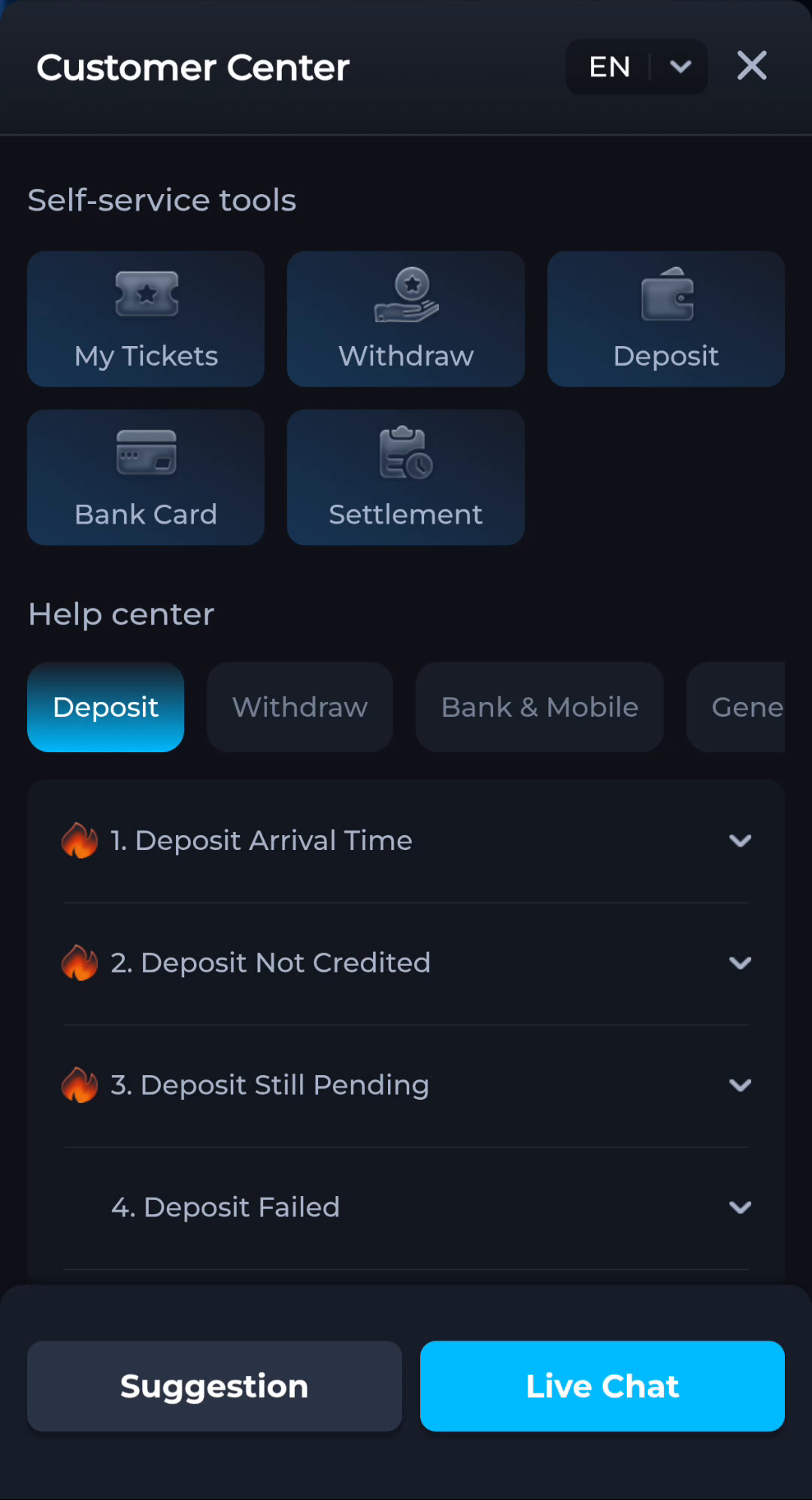
A category name tells you which subject the information concerns. It does not, by itself, promise a resolution time or an outcome. Select the topic related to the problem before describing what happened.
General help for access and connection
The General category includes Forgot Password, Network Issue, Switch Currency and Delete Account in the visible menu. Choose password recovery for access trouble and Network Issue for a connection symptom. Do not use a destructive account action as a way to fix a download.
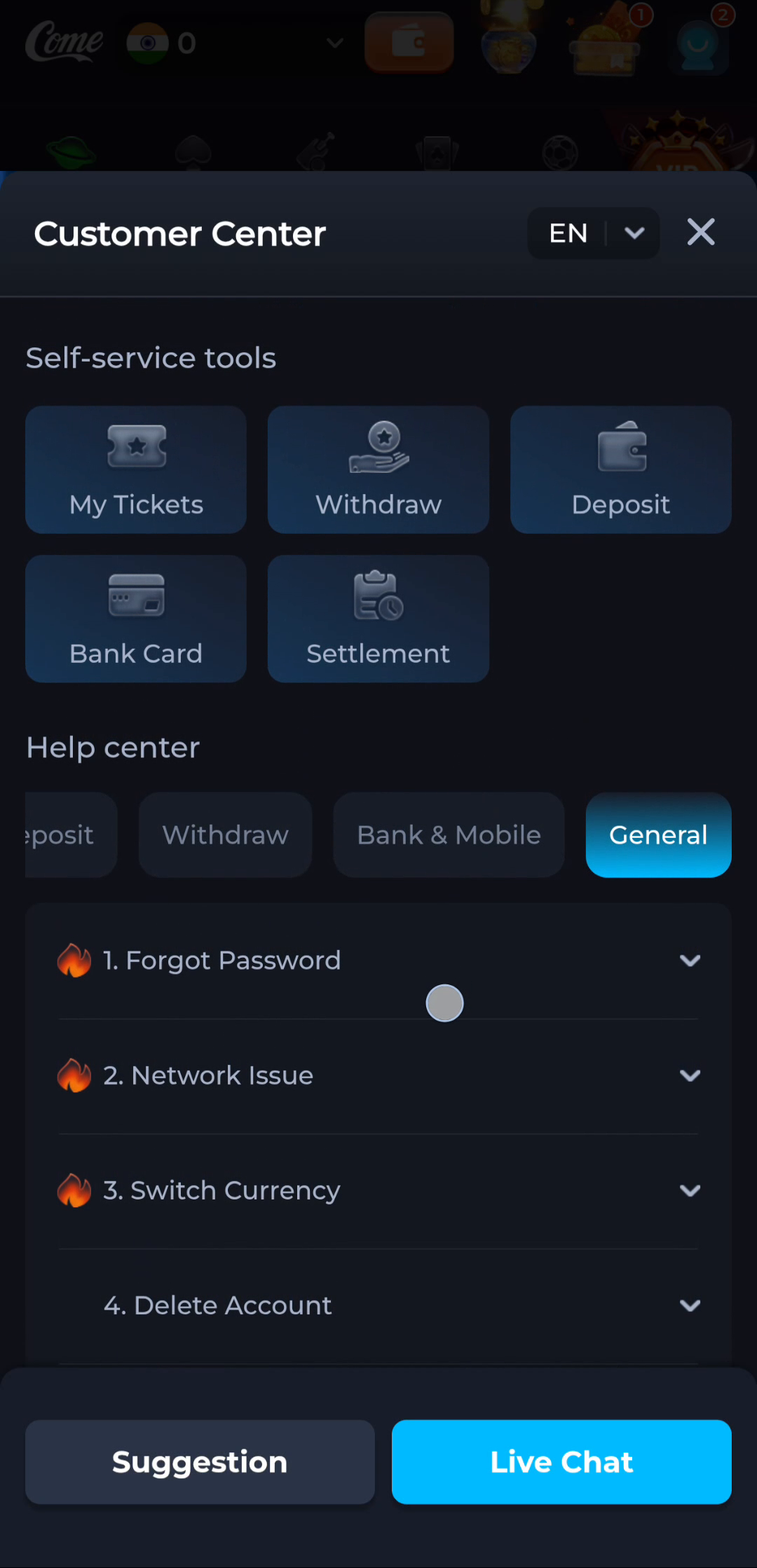
For a network problem, first distinguish whether the app page, an already installed app or another normal page fails to load. That comparison can make the description more precise. A loading failure is not the same as Android rejecting a package.
Keep a ticket tied to one issue
If you already have a request, use its record when following up. Keep the date, approximate time, relevant screen and exact error together. Several unrelated descriptions can make it harder to understand which action failed and which response you are referring to.
Avoid opening repeated requests merely because a page has not refreshed. Check the existing request and the current status first. This is a way to keep your information organised, not a promise about how quickly a service will respond.
Explain the stage before the symptom
A useful description might say that the package downloaded, Android reported installation complete, and the app then showed a connection error. That sequence tells support that the issue is after installation. “APK broken” loses those distinctions.
For a reward question, identify the account reward entry and the relevant condition rather than attaching a fresh download screenshot. For a transaction question, use the relevant transaction record through the service's private support route.
Protect the information you share
Remove passwords, one-time codes, UPI PINs and full payment credentials from screenshots or messages. If a record is needed, provide only the portion required by the service's verified help process. A person offering help outside that route should not receive account secrets.
Use Contact CS or Customer Center from the service you are already using instead of a phone number found on an unrelated page. A matching product name is not sufficient to identify a support contact.
Know when to stop
You are in the right place when the selected topic or existing ticket matches the actual issue and stage. Keep the request focused and retain its reference for any follow-up.